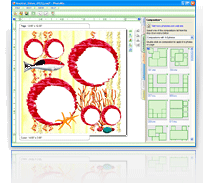

Scrolling photos
|
Now that you've increased photo you can move photo within frame to find the part you need.
Select a frame by left-clicking on it. In the top right corner of the selected frame, locate the hand-shaped button  . It is to be found next to magnifier button. . It is to be found next to magnifier button. Press and hold left mouse button on scrolling button and move mouse cursor in any direction. If the image does not move, its size coincides with the frame size. In this case select another frame or increase image size. 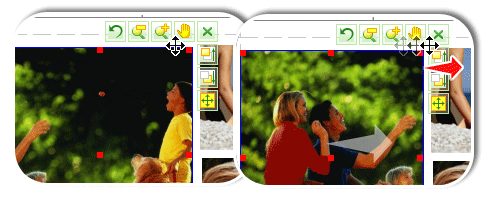 |
| < Prev | Next > |
|---|