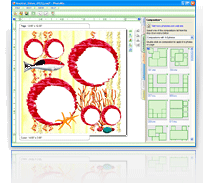

How to create PhotoMix projects using templates (VIDEO)
To follow this visual tutorial, you must already have a copy of the PhotoMix software. If you still do not have the PhotoMix program, please download it using this link.
Also, it would be best if you have already downloaded your favorite templates. If you do not have templates saved in your computer yet, please go through the templates catalog and choose your favorite designs. To download a template, simply click on the Download button located below each screenshot.
Once you already have the PhotoMix software and some templates downloaded to you computer, you will be ready to follow the step-by-step instructions shown in the video below.