
How to enter your software’s serial number (VIDEO)
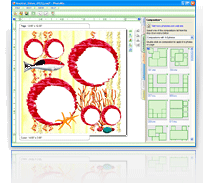
This tutorial video will help you register your PhotoMix software to make sure that you can access the complete features of the program.
Before following the instructions in the video, please make sure that you have bought a copy of the full-featured software. If you have not done this, please visit the Order PhotoMix page and click on the Buy Now button. After doing so, simply fill up and then submit the online ordering form. After your order has been placed, you will receive your unique serial number through the email address that you submitted.
Once you have received your serial number by email, you are ready to view this video:
Once you have registered your software and somehow feel that you are not fully satisfied with your purchase, you can still avail of PhotoMix’s 100% money-back option provided that the 60-day deadline has not passed.